

Amazon A+ Content: Complete Guide to Types, Examples & Best Practices
WB
WebBee Team
eCommerce Specialists
Amazon A+ Content assists you to create product detail pages that are understable, more engaging, and can result in conversions. In 2026, A+ Content is not just a design and conversion topic, it is also an essential content layer for AI-driven product suggestions and Amazon’s AI shopping assistant Rufus.
In this blog, you will explore everything about A+ Content, what are its types, who is eligible, cost, benefits, and best practices that are vital for day-to-day operations.
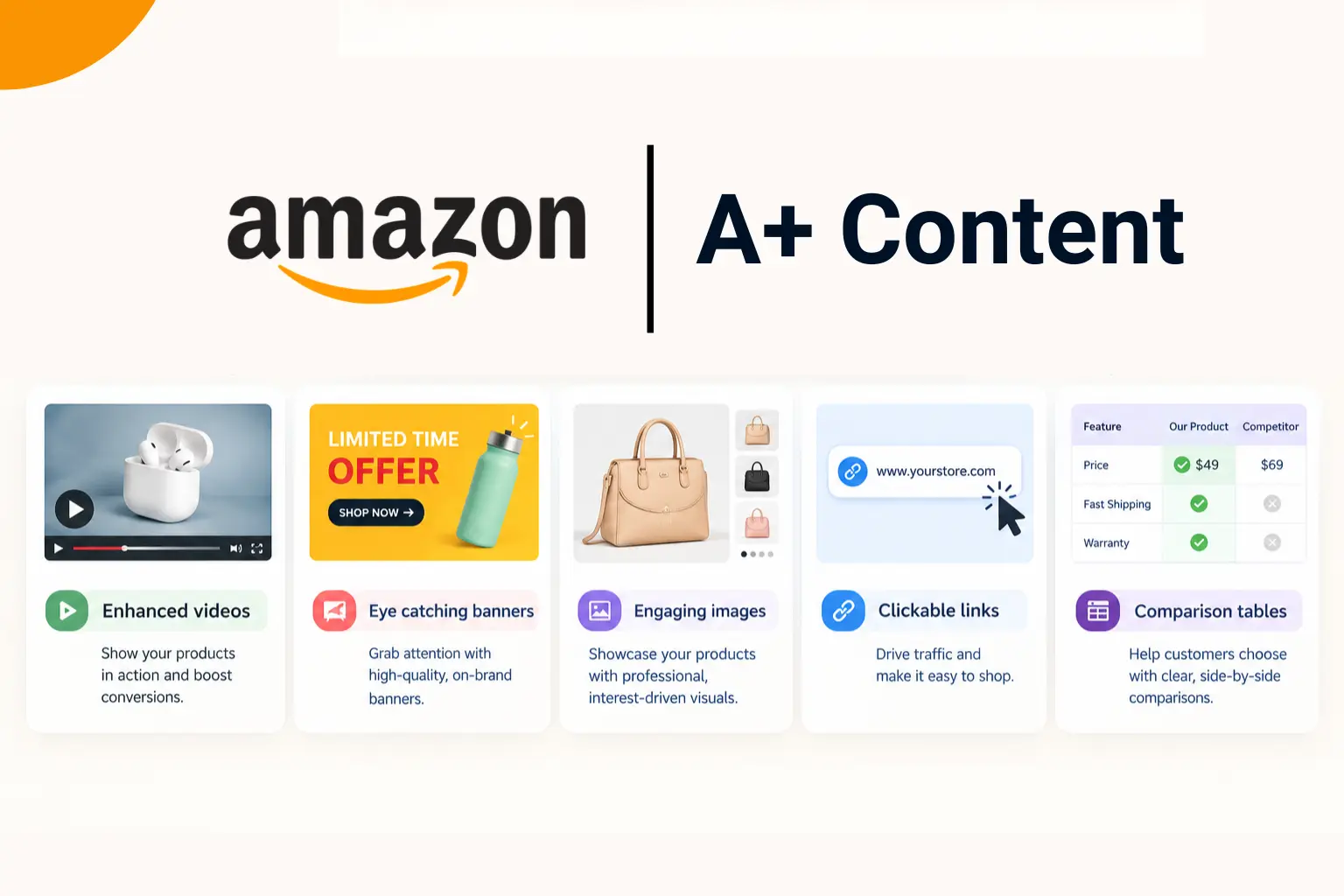
It is previously referred to as enhanced brand content for 3rd-party sellers, that enables them and brand owners to uplift their product listings with better visuals, engaging layouts, and detailed descriptions. This surpasses expectations by adding modules such as lifestyle images, product highlight part, and comparison charts.
Every Amazon seller is not eligible to use A+ Content, as it is a feature kept for unique a/c types. If any of these conditions are not fulfilled, you will not get access to A+ Content:
A+ Content enables you to display complementary products or use comparison charts to showcase other choices. This boat AOV and encourages users to explore your listings.
It enables you to integrate top-quality images, comparison tables, and lifestyle graphics. This creates your product catalog visually engaging, capturing user attention and differentiating your product.
Detailed and clear information assists set right user expectations. This reduces the chance of misunderstandings, negative reviews, and returns.
It allows sellers to offer detailed descriptions, usage instructions, and specifications. This decreases user uncertainty and establishes confidence in their buying decision.
By merging engaging visuals with real, detailed info, A+ Content eliminates obstacles to purchase. This makes a smooth shopping experience that drives more conversions.
To start, move to the Vendor Central (for vendors) or A+ Content Manager in Seller Central (for sellers) . Sellers will get it under the Advertising section, while vendors will find it under Merchandising.
Select from a type of modules, involving edge-to-edge images for lifestyle shots, text and image combinations for showcasing product features, and product’s specific qualities.
Upload top-notch images that cater Amazon’s specific needs, like the correct image size for specific modules.
Involve the Brand Story Module, which displays above the A+ Content part on product detail pages. This enables you to showcase your brand’s values, mission, and unique selling points.
Once you are done with A+ Content, assign it to the suitable ASINs and give it for review. Approval mainly takes 10 days.
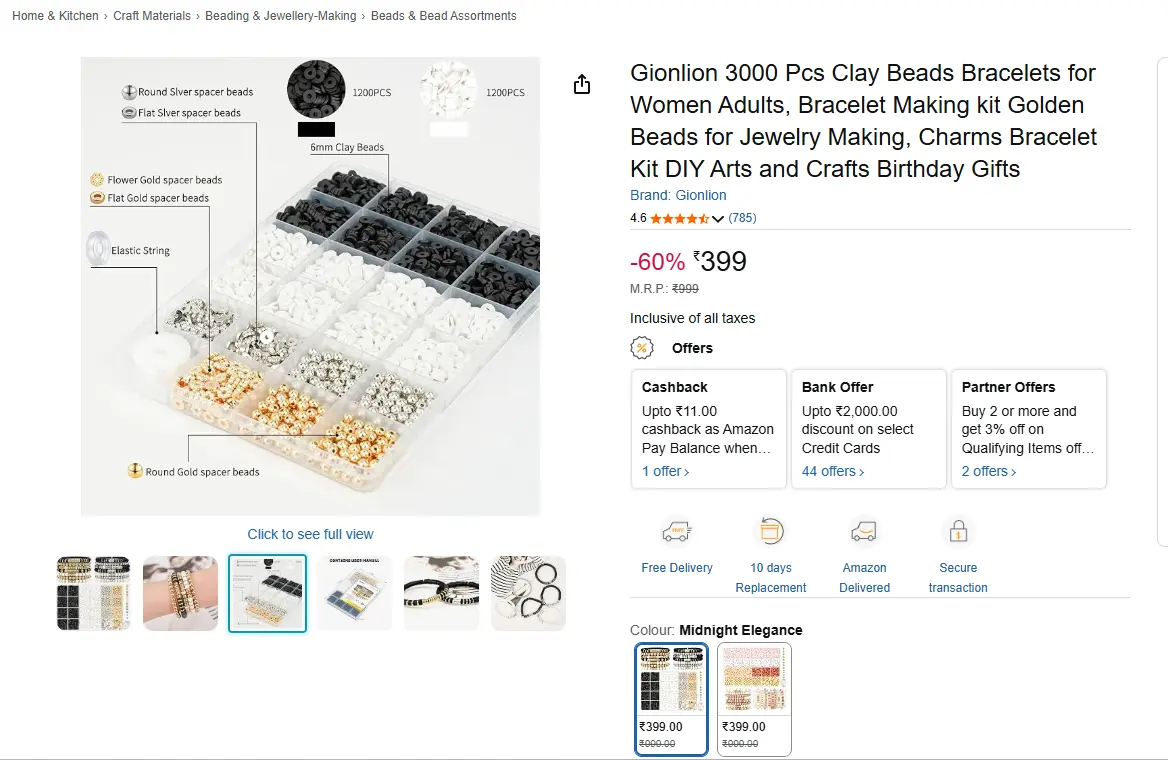
It is a popular Amazon store that provides beads and craft toys for artisans of all ages and skill levels. Gionlion uses A+ Content to showcase the story of its creation and mission to encourage creativity in others. Detailed, big images highlight the contents of every kit they provide.
Beetles Gel is a leading nail care brand renowned for its top-quality, dynamic gel nail polishes. The brand provides a broad range of nail care products crafted for both professional and at-home manicures.
NEW’C provides best screen protectors and phone appliances designed to improve and safeguard mobile devices. They concentrate on providing durable, user friendly products that offer reliable protection upon scratches and damage.
This brand is known for producing a kind of home appliances, involving ice makers, small kitchen devices, and refrigerators. They want to provide affordable and effective products created to improve everyday living.
All types of A+ Content like basic, brand story, and premium are free for every seller registered in the Amazon Brand Registry. However, there might be other costs for:
Create your A+ Content visually engaging and informative. Showcase the core advantages of your product, making sure that your texting is related to your target users.
Look at user reviews and queries to find out common concerns. Address them particularly in your A+ Content to avoid purchase problems and lessen returns.
Amazon bans specific content in A+ modules, involving:
Review Amazon’s entire content rules before submission to prevent rejections that setback your launch.
Not all products warrant an A+ Content investment. Concentrate on products that:
Amazon A+ Content is a useful tool to improve your product’s CVR. In the beginning it might demand investment, but ROI makes it worthwhile for the long-term. If you are a brand-enrolled seller, using A+ content can majorly help in growing your business.

A+ Content doesn't directly increase keyword rankings in Amazon's search algorithm. But, it indirectly enhances SEO by significantly increasing CVR and lessening bounce rates.
You can involve a mix of visual, written, and multimedia assets, like blogs, infographics, videos, and case studies.
Yes, you can use AI to make A+ Content. Also, AI tools can majorly lessen the time for product detail pages.
.svg)