Streamlining product listings & utilizing tools such as Amazon Pay can majorly boost visibility, user satisfaction, & conversion rates.
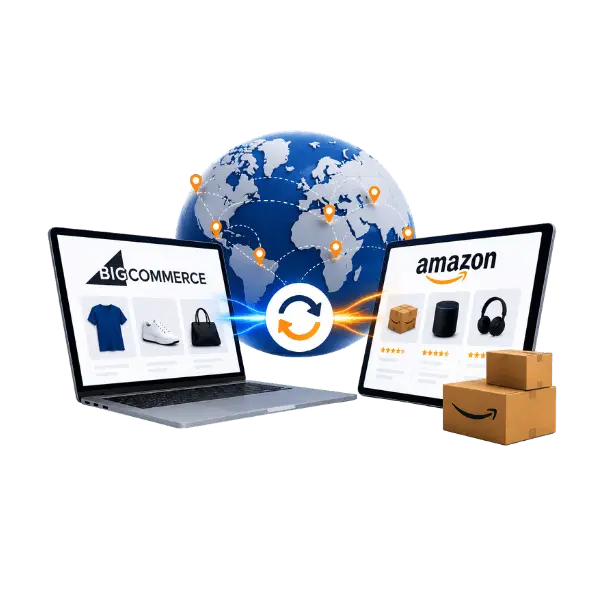
Connecting BigCommerce with Amazon allows firms to reach an international user base, smooth operations, & improve sales efficiency.
Effective inventory management & orders via centralized control enhances accuracy, lessens errors, & supports simplified fulfillment processes.
Want to smooth your e-commerce process & increase sales? By integrating BigCommerce with Amazon, you can handle your Amazon listings automatically from BigCommerce, growing your reach & enhancing efficiency. This blog will explore the integration procedure, key features, benefits, & who should use this integration. Let's begin!
Why BigCommerce Sellers Use Amazon MCF?
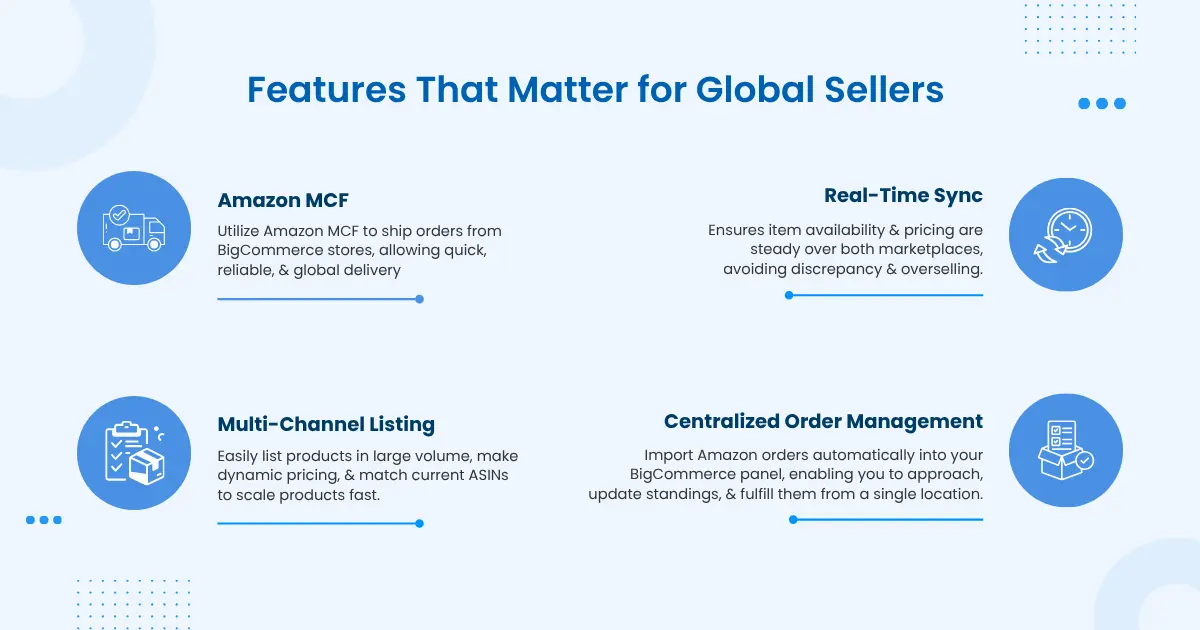
Automated Fulfillment Integration: Through 3rd-party apps accessible in the BigCommerce App, orders from it are automatically shipped to Amazon for packing, picking, & shipping.
Quick & Reliable Shipping: They can provide different delivery options, frequently fulfilling orders in 7 days.
Enhanced User Experience: Real time tracing details are available from checkout to shipment, offering clarity that enhances user satisfaction.
Reduced Operational Costs: MCF provides strategic pricing for fulfillment, eliminating the need to handle private warehouses.
Simplified Inventory Management: Merchants store stock in a single location & utilize it for both, avoiding overstocking.
What Are the Advantages of BigCommerce Amazon Integration?
Let’s explore 3 most specific advantages of BigCommerce Amazon integration:
Enhanced your Operation: It smooths all business processes by creating easy-to-list products, tracking inventory, or monitor orders quickly.
Sales: Despite just waiting for consumers from your BigCommerce shop, selling products on Amazon creates opportunities to reach more users to whom you can sell & add revenue.
Promote your Brand: Utilizing a multichannel approach of selling on BigCommerce & Amazon, your business makes more touchpoints for users to explore your brand.
Steps to Connect BigCommerce to Amazon MCF
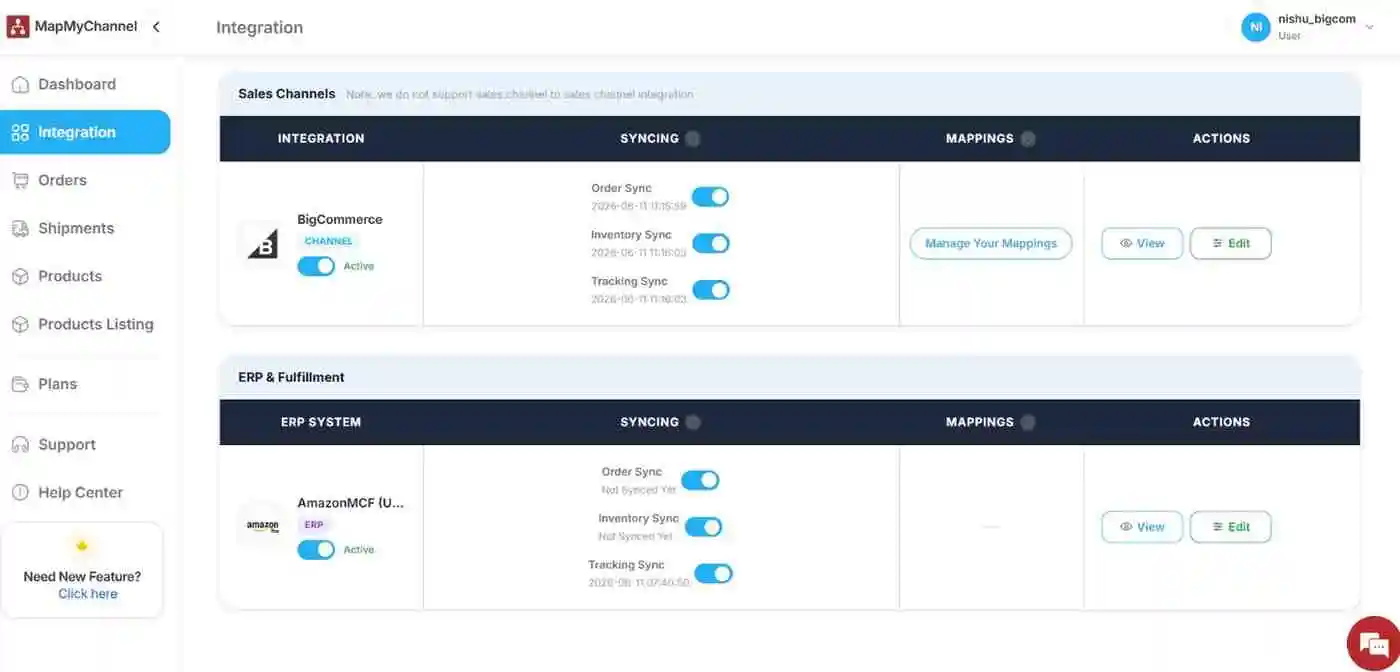
MapMyChannel appis an advanced order management tool that enables seamless data sync across platforms to offer a complete view of orders, fulfillment, inventory, & more. Look at the steps to integrate your BigCommerce a/c with Amazon utilizing MapMyChannel by WebBee to unlock your business potential.
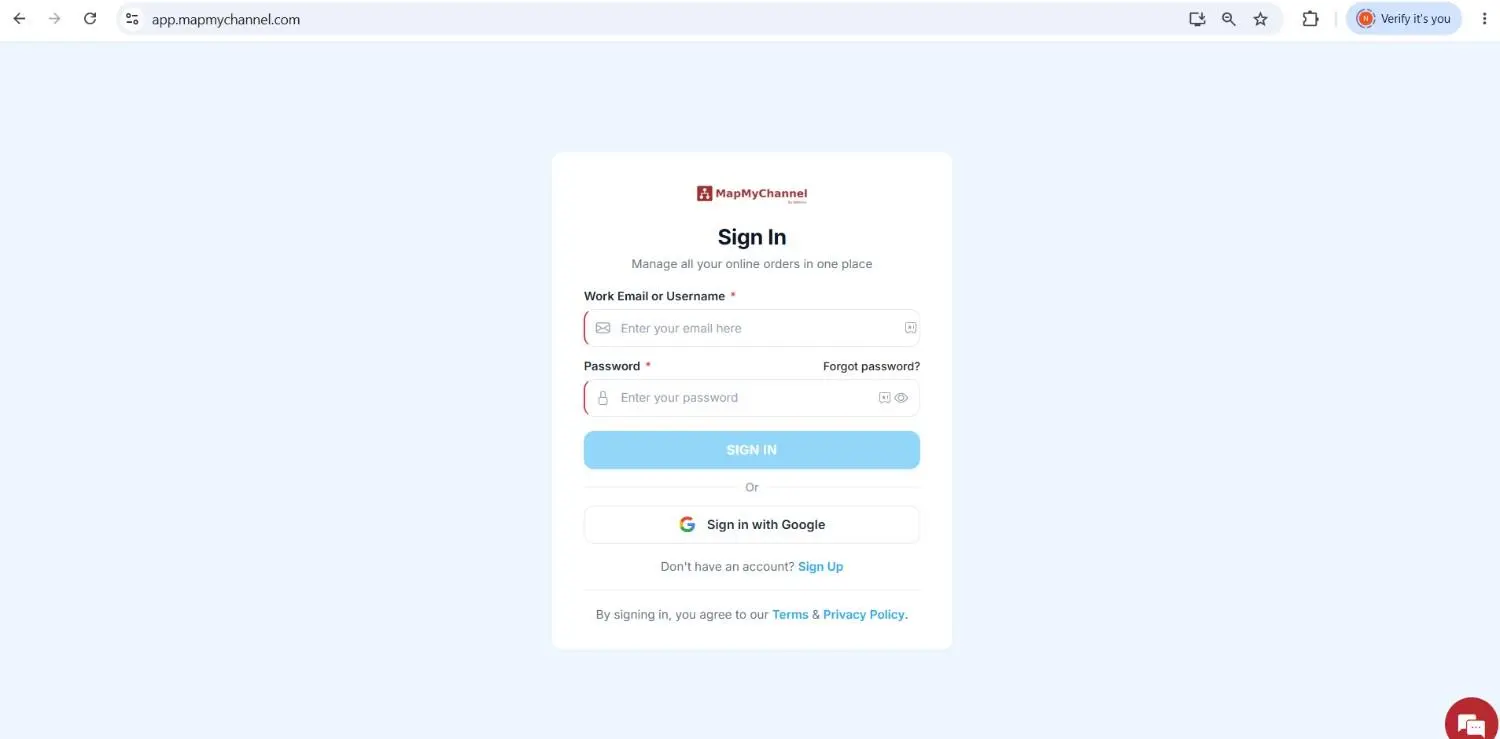
1) Create an Account
Enter your name, email, & password for Signing Up.
Log in utilizing the login credentials to begin the onboarding process.
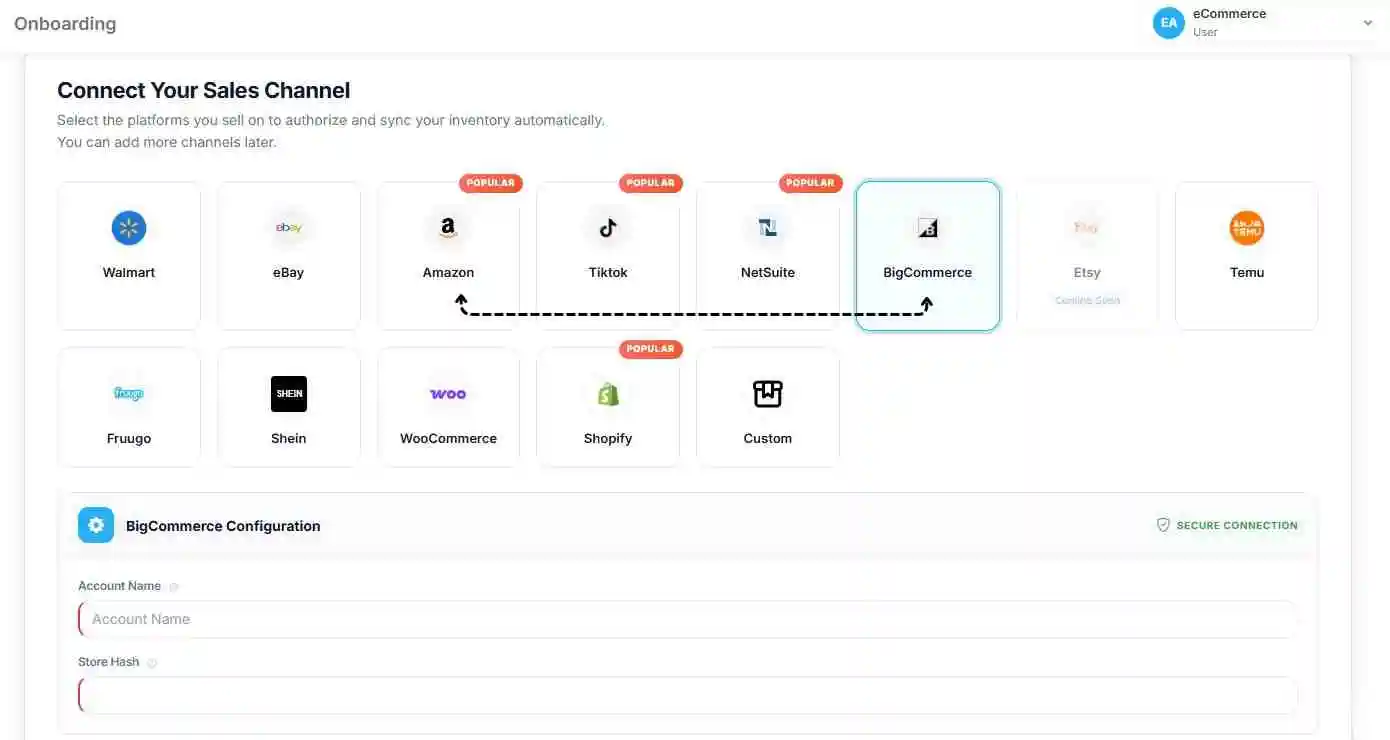
2) Onboarding Process
After logging in, choose BigCommerce as a marketplace.
Fill in the BigCommerce Seller account name.
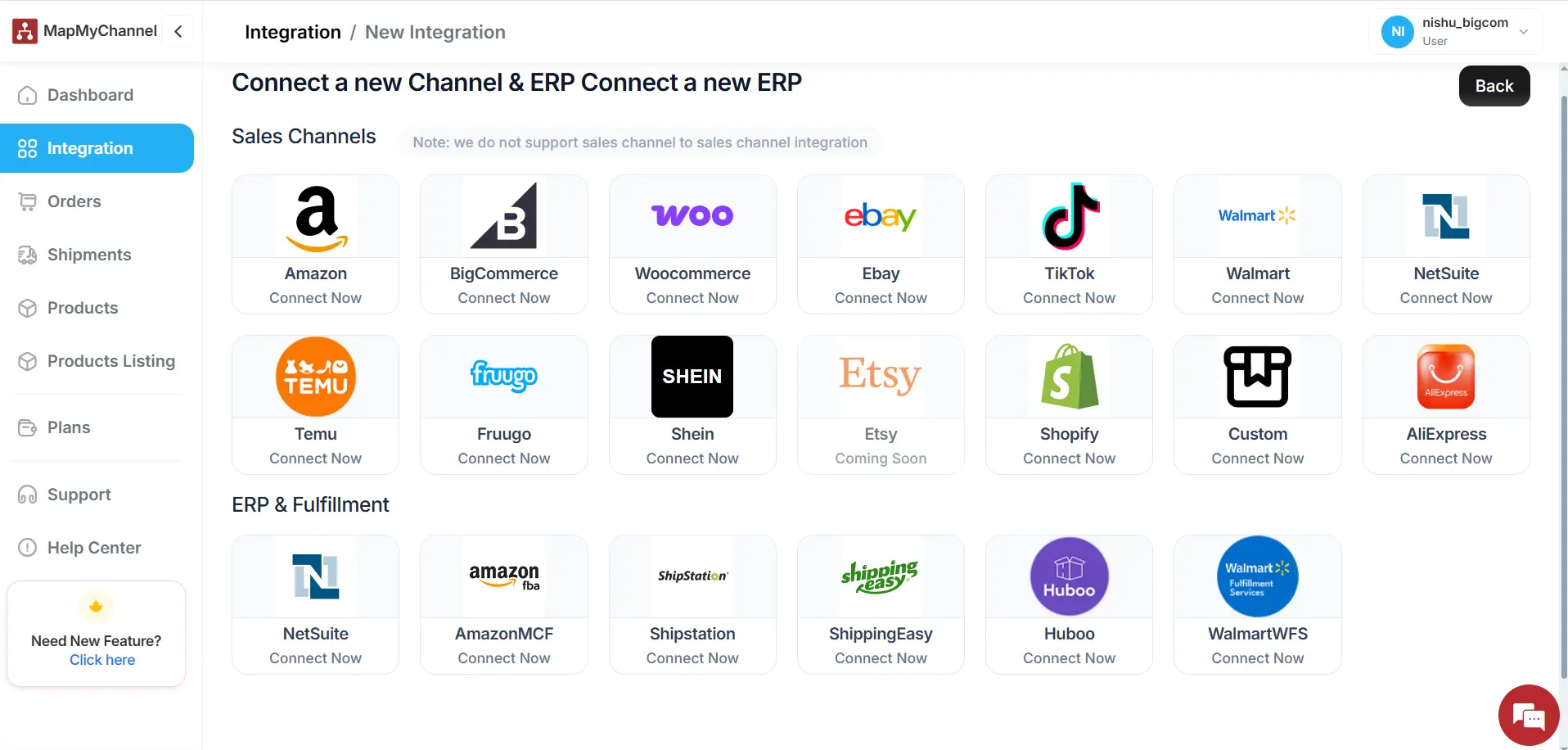
Pick the Amazon MCF, and enter the Accounting channel name.
Sales & Marketing Teams: To sync user data between CRM & other tools for a unified view.
E-commerce Managers: To integrate online stores with backend ERP systems for fulfillment.
IT Teams & Developers: To automate API connections, lessen manual work, & maintain system sync as application updates.
Operations & Finance: To allow real time exchange-based data flow across payment gateways & billing systems.
Conclusion
Now that you have completely understood the procedure of integrating BigCommerce with Amazon, it’s the right time to take your sales to a new height. If you want to scale your business or smooth daily workflows, this integration can get it done. By following these approaches, you can improve your e-commerce company & attain major growth.
In order to provide a more relevant experience for you, we use cookies to enable some website functionality. For more information, please review our Privacy Policy.
✦ TikTok Shop sellers:
35% off Amazon MCF fulfillment rates for 12 months!
Available for eligible TikTok Shop orders in the US, EU, and UK, with the promotion applied automatically to orders from WebBee.
3 Months FREE SetupOffer valid until 30th October — don't miss it
New Users Only
Wait! Don't Miss Your Free Growth Pass
Unlock 60 Days of FREE Access
Get full access to all WebBee apps for 60 days at zero cost. See how it works with a quick demo and claim your exclusive offer before you leave.


.svg)